# Chrome Themes Overview

## Getting Started

***

Customizing the Google theme is the desire of many, as you use this browser for hours. You can customize it to separate workspaces, to feel more comfortable, or simply based on personal preference.\
\
Below, I will show how to assemble a theme, and how this is quite simple! It's a configuration task.

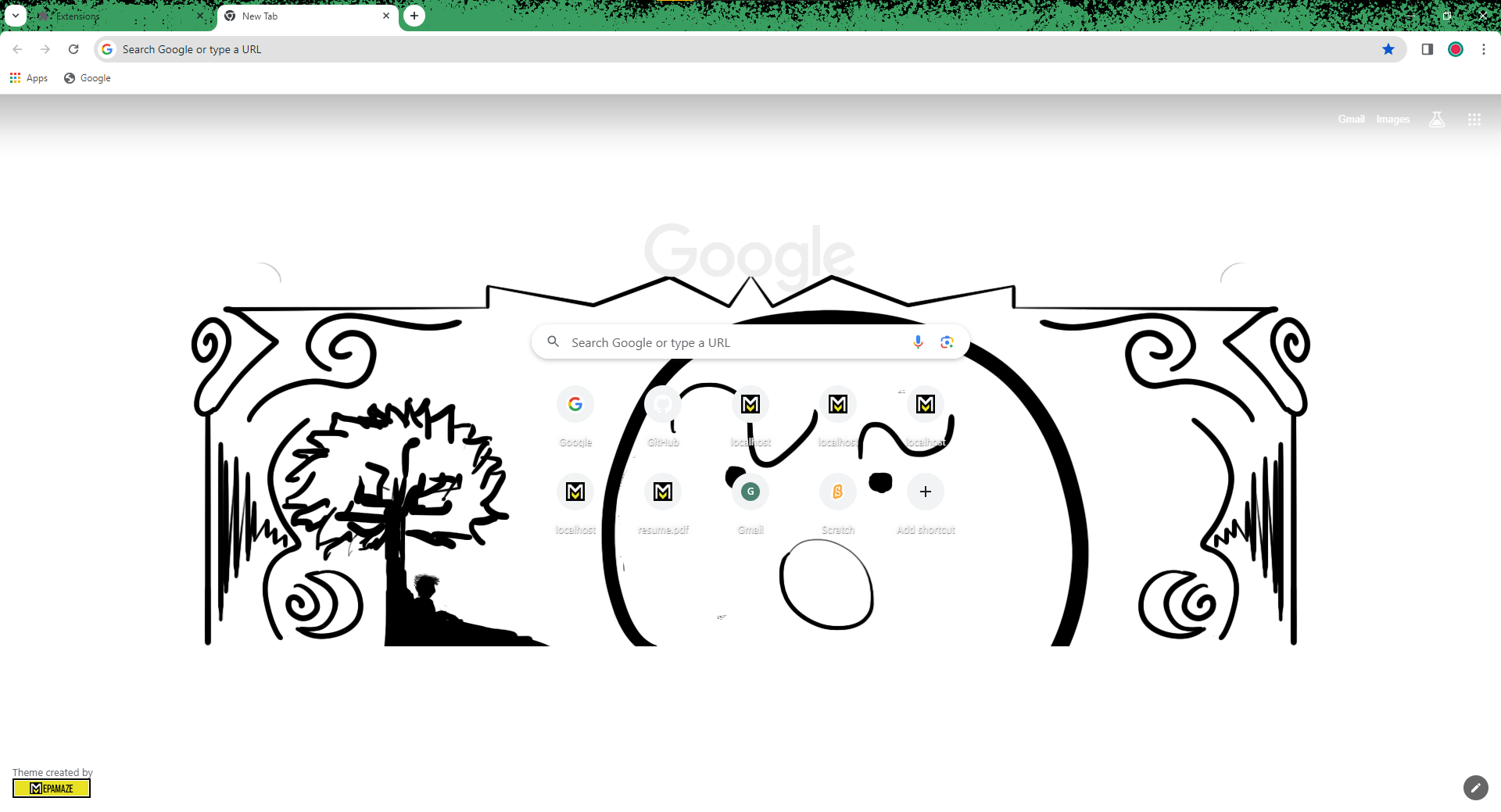
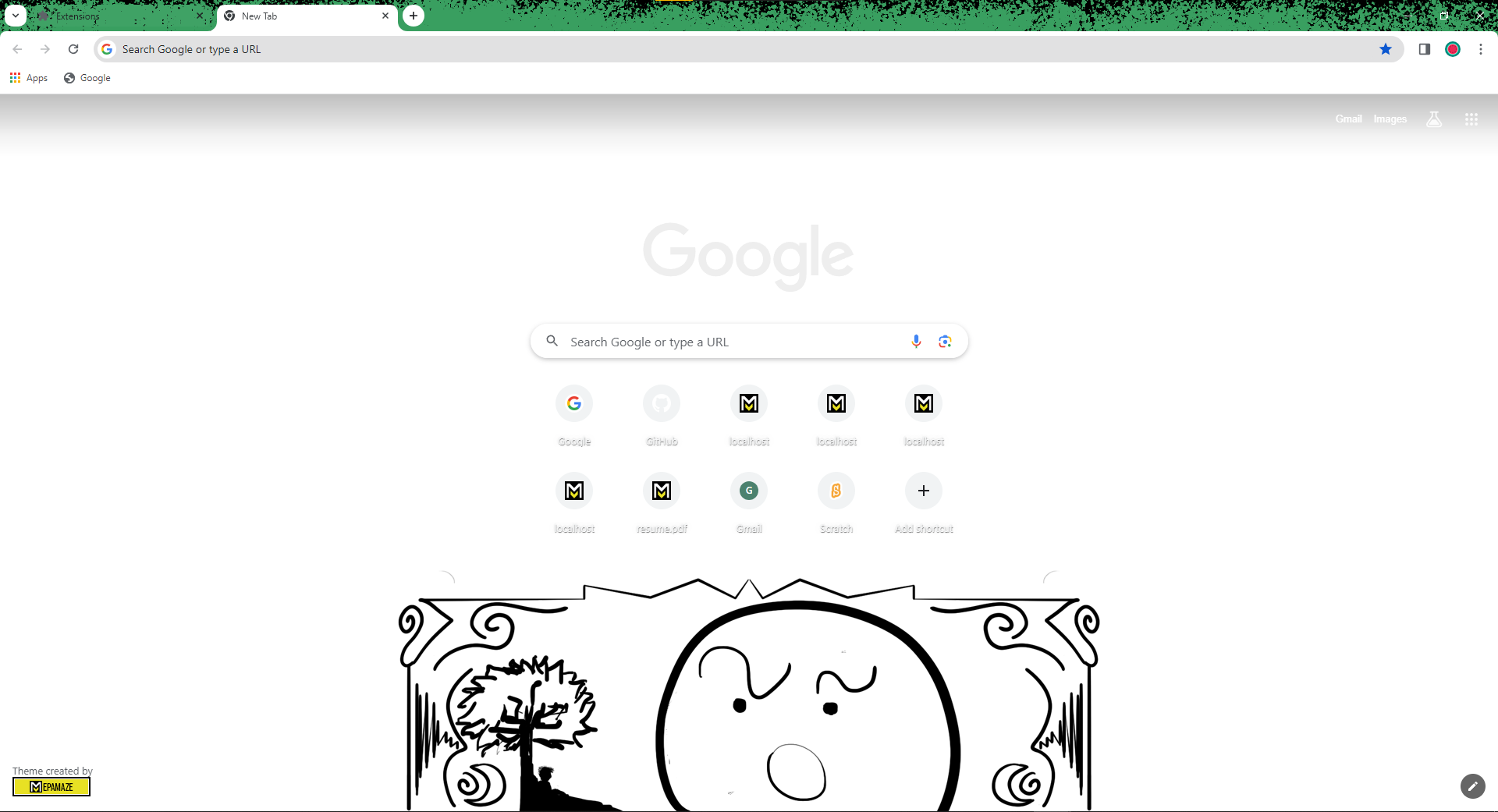
<figure><img src="https://1926187101-files.gitbook.io/~/files/v0/b/gitbook-x-prod.appspot.com/o/spaces%2FO3Fy0d78i4mwnqE1MKkm%2Fuploads%2Fnx5BdTu55sWAp1yKfMNC%2Fimage.png?alt=media&#x26;token=191a5d33-61b1-4936-8833-846eba74b19d" alt="" width="563"><figcaption><p>Printscreen of Example Theme v1.1</p></figcaption></figure>

{% hint style="success" %}
The theme above has been published and can be found at:\
&#x20;<https://chromewebstore.google.com/detail/example-theme/llmjmjahfcjbgknpjolndkgilgefnhji>
{% endhint %}

## Basic Structure

***

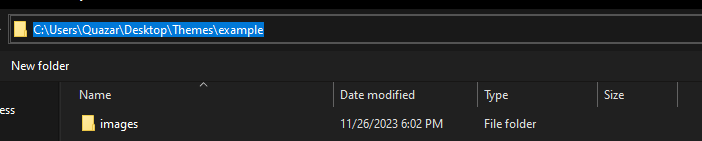
Creating a theme is quite simple; we start with the basic folder structure, including a folder for images and a <mark style="color:green;">Manifest.json</mark> file.

{% hint style="warning" %}
The file **MUST** be named <mark style="color:green;">**Manifest.json**</mark>.
{% endhint %}

<figure><img src="https://1926187101-files.gitbook.io/~/files/v0/b/gitbook-x-prod.appspot.com/o/spaces%2FO3Fy0d78i4mwnqE1MKkm%2Fuploads%2F5uqR5oXLo7Nj2fPA08Et%2Fimage.png?alt=media&#x26;token=52cbc417-011f-426c-a044-7d89d0082954" alt=""><figcaption><p>Printscreen of a Folder Structure for building Theme</p></figcaption></figure>

Let's start with the basic information in the <mark style="color:green;">Manifest.json</mark>. You need to provide the version, name, author, and other important details for your extension.

<pre class="language-json" data-title="manifest.json" data-line-numbers><code class="lang-json"><strong>{
</strong>    "manifest_version": 3,
    "version": "1.0.0",
    "name": "Example Theme",
    "short_name": "Example",
    "author": "Mepadev"
}
</code></pre>

<figure><img src="https://1926187101-files.gitbook.io/~/files/v0/b/gitbook-x-prod.appspot.com/o/spaces%2FO3Fy0d78i4mwnqE1MKkm%2Fuploads%2FSN4XlepFbs4pr2AAulht%2Fimage.png?alt=media&#x26;token=bb83a468-da2b-489c-acee-589beadb6ef6" alt=""><figcaption></figcaption></figure>

<figure><img src="https://1926187101-files.gitbook.io/~/files/v0/b/gitbook-x-prod.appspot.com/o/spaces%2FO3Fy0d78i4mwnqE1MKkm%2Fuploads%2Fo35Bdzau6Vw8QxLccIB5%2Fimage.png?alt=media&#x26;token=ae4167a8-8880-41e7-a08e-9c610b64e61b" alt="" width="563"><figcaption></figcaption></figure>

<figure><img src="https://1926187101-files.gitbook.io/~/files/v0/b/gitbook-x-prod.appspot.com/o/spaces%2FO3Fy0d78i4mwnqE1MKkm%2Fuploads%2F0cVjRpQxiTdnQgBNshDv%2Fimage.png?alt=media&#x26;token=0602d0a1-2820-4f5d-94a4-9c227e5dbe08" alt="" width="563"><figcaption></figcaption></figure>

<figure><img src="https://1926187101-files.gitbook.io/~/files/v0/b/gitbook-x-prod.appspot.com/o/spaces%2FO3Fy0d78i4mwnqE1MKkm%2Fuploads%2FLHRf0PKVSghzdjamZNL3%2Fimage.png?alt=media&#x26;token=c2532a73-efc4-48d7-a683-91cc41c8ed82" alt="" width="563"><figcaption></figcaption></figure>

<figure><img src="https://1926187101-files.gitbook.io/~/files/v0/b/gitbook-x-prod.appspot.com/o/spaces%2FO3Fy0d78i4mwnqE1MKkm%2Fuploads%2FAZ4Nss9Iw36LQxfdzWvv%2Fimage.png?alt=media&#x26;token=25337de4-aae8-419c-9ba7-c98f05aa3862" alt="" width="440"><figcaption></figcaption></figure>

<figure><img src="https://1926187101-files.gitbook.io/~/files/v0/b/gitbook-x-prod.appspot.com/o/spaces%2FO3Fy0d78i4mwnqE1MKkm%2Fuploads%2FdjMGXDz6dIdbvCpKnAQB%2Fimage.png?alt=media&#x26;token=8822f79b-dc76-4328-8f13-95a88c25000a" alt="" width="296"><figcaption></figcaption></figure>

<figure><img src="https://1926187101-files.gitbook.io/~/files/v0/b/gitbook-x-prod.appspot.com/o/spaces%2FO3Fy0d78i4mwnqE1MKkm%2Fuploads%2F2JWPjob0dsQW1sOr7MnX%2Fimage.png?alt=media&#x26;token=02fb7914-413c-4e5b-9a5f-149c4813bbed" alt="" width="527"><figcaption></figcaption></figure>

<figure><img src="https://1926187101-files.gitbook.io/~/files/v0/b/gitbook-x-prod.appspot.com/o/spaces%2FO3Fy0d78i4mwnqE1MKkm%2Fuploads%2FsHN9qWDr5o7ogea33Dh3%2Fimage.png?alt=media&#x26;token=fa967428-3216-48e4-b5cd-7b8bd8085b4a" alt="" width="265"><figcaption></figcaption></figure>